

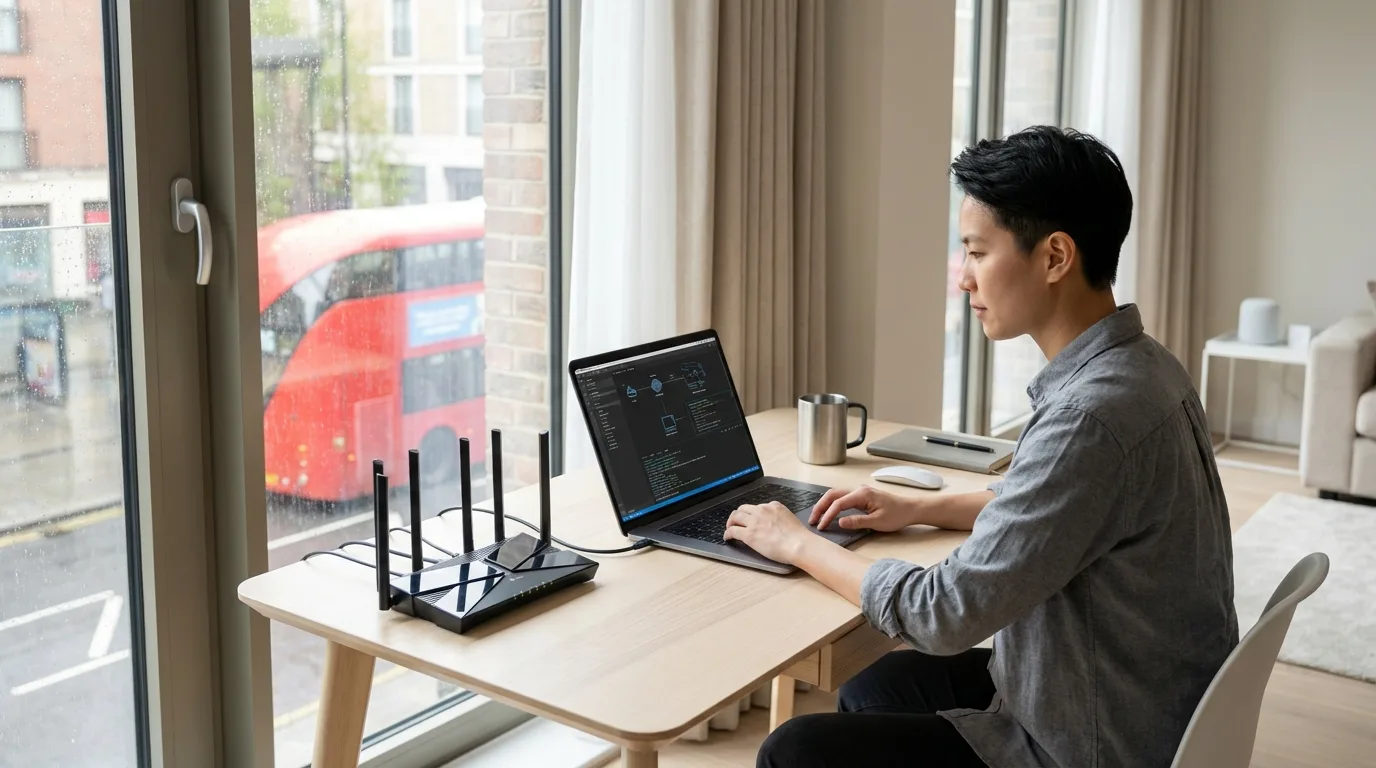
Corporate housing and serviced apartments present a specific set of cybersecurity challenges that differ from your home or company office. Shared infrastructure, unknown network configurations, and the use of personal devices on corporate networks create real risks for professionals on assignment. This guide covers the practical security baseline every professional should implement within their first day in UK corporate accommodation.
The Shared Network Risk
In a serviced apartment building, you may share network infrastructure (and potentially the same IP address block) with dozens of other residents and businesses. Even with WPA2/WPA3 encryption on the Wi-Fi, traffic on a poorly configured network can be visible to other users. Assume shared Wi-Fi networks are hostile. Use a VPN for all work and financial activity.
Step 1: Use a VPN for All Work Activity
A Virtual Private Network (VPN) encrypts all traffic between your device and the VPN server, making it unreadable on the local network. For work activity:
- Your employer likely provides a corporate VPN — use it for all work activity, email, and access to company systems
- For personal activity on shared networks (online banking, personal email), use a reputable commercial VPN (Mullvad, ProtonVPN, or ExpressVPN — all are based in privacy-respecting jurisdictions)
- Never use free VPN services — they monetise your traffic data
- Enable your VPN's "kill switch" feature — this cuts your internet connection if the VPN drops, preventing unencrypted exposure
Step 2: Check the Wi-Fi Encryption Standard
Before connecting to the corporate housing Wi-Fi:
- Check the network security standard in your device's Wi-Fi settings — look for WPA2 or WPA3. WEP or open networks are insecure.
- Avoid networks with no password (open Wi-Fi) for any activity beyond casual browsing
- If you have the option, prefer a dedicated apartment network over a shared building-wide network
Step 3: Separate Work and Personal Devices
| Activity | Device to Use | Why |
|---|---|---|
| Work email and systems | Employer-provided device via corporate VPN | Company data stays on managed device |
| Online banking | Personal phone (4G/5G, not Wi-Fi) | Avoids shared network entirely |
| General browsing | Either, with VPN | VPN neutralises network risk |
| Video streaming (Netflix, etc.) | Personal device — VPN not essential | Low-risk activity |
Step 4: Secure Your Personal Devices
- Device encryption: Ensure full-disk encryption is enabled. On iPhone: enabled by default with passcode. On Android: Settings → Security → Encryption. On Windows: BitLocker (Pro/Enterprise) or Device Encryption (Home).
- Automatic screen lock: Set to 1–2 minutes in any shared accommodation environment
- Avoid printing sensitive documents on shared office printers in serviced apartment buildings — print jobs can be retrieved from unsecured print queues
- Use wired Ethernet where available — many serviced apartments have Ethernet ports in the desk area. Wired connections are significantly harder to intercept than Wi-Fi
Step 5: Smart Devices and Building Systems
Many modern UK serviced apartments include smart TVs, voice assistants (Amazon Echo, Google Home), and smart locks. Security considerations:
- Mute or physically cover voice assistant microphones when discussing confidential work matters
- Do not log in to personal streaming accounts on shared smart TVs — log out before leaving
- Be aware that building Wi-Fi systems may log DNS queries — use an encrypted DNS resolver (Cloudflare's 1.1.1.1, or via your VPN)
UK-Specific: GDPR and Your Corporate Accommodation Data
Serviced apartment providers process personal data including your name, employer, passport details, and credit card information. Under UK GDPR, you have the right to request what data is held about you and how it's processed. Check the provider's privacy policy on arrival. Legitimate providers will be registered with the ICO.
Day One Device Security Checklist
1) Connect corporate VPN before opening work email. 2) Set a commercial VPN as always-on for personal devices. 3) Check Wi-Fi encryption is WPA2 or WPA3 minimum. 4) Set screen auto-lock to 1 minute. 5) Use mobile data (4G/5G) for banking transactions. 6) Mute any smart speakers in the room during calls. 7) Find the Ethernet port in your desk area and use it for intensive work sessions. These seven steps take 15 minutes and significantly raise your security baseline.