

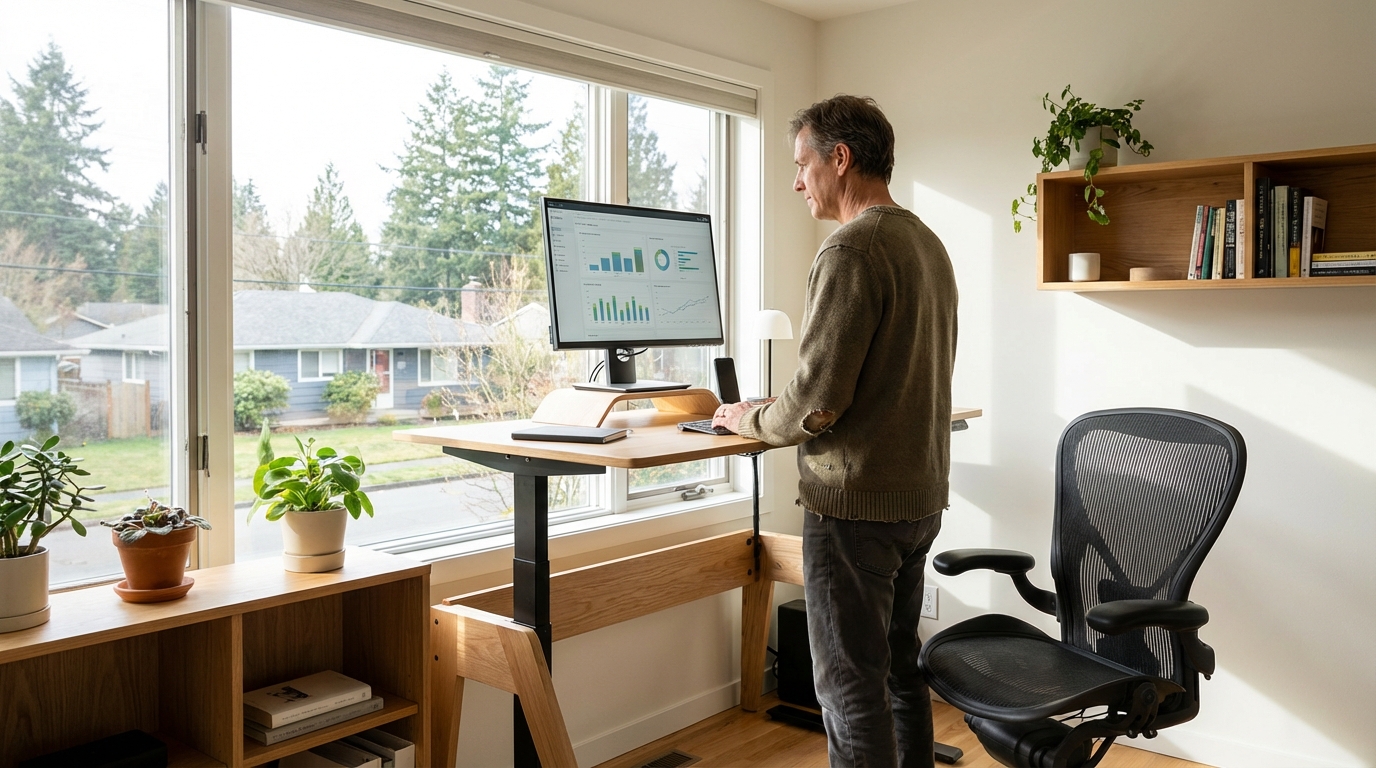
Remote and hybrid working has become the default for millions of UK employees — yet most people have set up their home office without a systematic approach to productivity, ergonomics, or the financial benefits they're entitled to claim. HMRC's working from home relief, proper broadband, and a well-configured ergonomic setup each have measurable impact on health and output. This guide covers all three.
The HMRC Relief Most People Miss
HMRC allows employees who are required to work from home to claim tax relief on additional household costs. The simplified flat rate is £6 per week (£312/year) tax-free. At 20% basic rate tax, this saves £62.40/year; at 40% higher rate, £124.80/year. You can also claim the actual additional costs (heating, broadband, etc.) if higher. Most eligible employees never claim this.
HMRC Working from Home Tax Relief
There are two ways to claim:
- Flat rate method: £6/week (2026/27) if your employer requires you to work from home. Claim via HMRC's online Self Assessment or by contacting HMRC to adjust your tax code. No receipts required.
- Actual costs method: Calculate the additional home costs (electricity, heating, broadband) attributable to working from home, based on the proportion of the home used and hours worked. Requires detailed records. Usually only worthwhile if actual additional costs significantly exceed £6/week.
Note: employees who choose to work from home (when an office is available) cannot claim. Self-employed workers can claim a broader range of home office expenses — see the self-employed tax guide.
Broadband: What You Actually Need
For video calls (Zoom, Teams), 10 Mbps upload is sufficient for a single user. However, UK average broadband upload speeds vary significantly:
| Connection Type | Typical Download | Typical Upload | Suitable For |
|---|---|---|---|
| ADSL | 10–17 Mbps | 1–2 Mbps | Basic browsing; not for video calls |
| FTTC (fibre to cabinet) | 30–80 Mbps | 10–20 Mbps | Single-person home office: adequate |
| FTTP (full fibre) | 100–1000 Mbps | 50–1000 Mbps | Excellent for WFH; future-proof |
| Cable (Virgin Media) | 100–1100 Mbps | 6–52 Mbps | Good download; upload can be limiting |
Check your current speeds at fast.com or speedtest.net. If upload is below 10 Mbps and you're frequently on video calls, consider upgrading to FTTP where available — Openreach full fibre availability now covers over 70% of UK premises.
Ergonomics: The Non-Negotiables
Poor home office ergonomics causes musculoskeletal problems — the UK's leading cause of workplace absenteeism. Key setup rules:
- Monitor height: Top of screen should be at or slightly below eye level. If using a laptop, use a separate keyboard/mouse and a laptop stand or external monitor.
- Chair adjustment: Feet flat on floor (or footrest), knees at 90°, lower back supported. If your office chair is unadjustable, a lumbar support cushion (£15–£40) makes a significant difference.
- Screen distance: Approximately arm's length (50–75cm) from your eyes.
- Lighting: Primary light source should come from the side, not behind or in front of your screen. Reduce screen glare. Use a daylight desk lamp in winter to counteract the impact of reduced natural light.
- Break routine: Use the 20-20-20 rule: every 20 minutes, look at something 20 feet away for 20 seconds. Stand up and move every 45–60 minutes.
UK Employee Rights on Home Office Equipment
If your employer requires you to work from home, they are responsible for ensuring your home workspace is safe and ergonomically appropriate under the Health and Safety at Work Act 1974. Employers can provide equipment tax-free — a desk, chair, or monitor supplied by your employer for home use is not a taxable benefit in kind if it's primarily for business use and remains the employer's property. Discuss with your HR team if your setup is inadequate.
Home Office Upgrade Priority Order
1) Claim HMRC WFH relief immediately via gov.uk/tax-relief-for-employees (10 minutes, saves up to £125/year). 2) Upgrade to a proper external monitor if working on laptop — significant ergonomic and productivity win (~£120–£200). 3) Invest in a decent desk chair (£150–£400 for mid-range ergonomic). 4) Check your broadband speed and upload rate — switch if upload is below 10 Mbps. 5) Add a webcam and headset for professional video calls (~£50–£100 total).